> For the complete documentation index, see [llms.txt](https://docs.violet.io/llms.txt). Markdown versions of documentation pages are available by appending `.md` to page URLs; this page is available as [Markdown](https://docs.violet.io/concepts/apps.md).
# Apps
## Overview
A Violet Application is a unique entity with assigned credentials and tools to invoke our APIs and build your new system. You can create as many applications as you want in your Channel account. The important part is, the application is what Merchants will interact with.
## Creating an App
1. Sign up at [channel.violet.io/signup](https://channel.violet.io/signup) or login at [channel.violet.io/login](https://channel.violet.io/login)
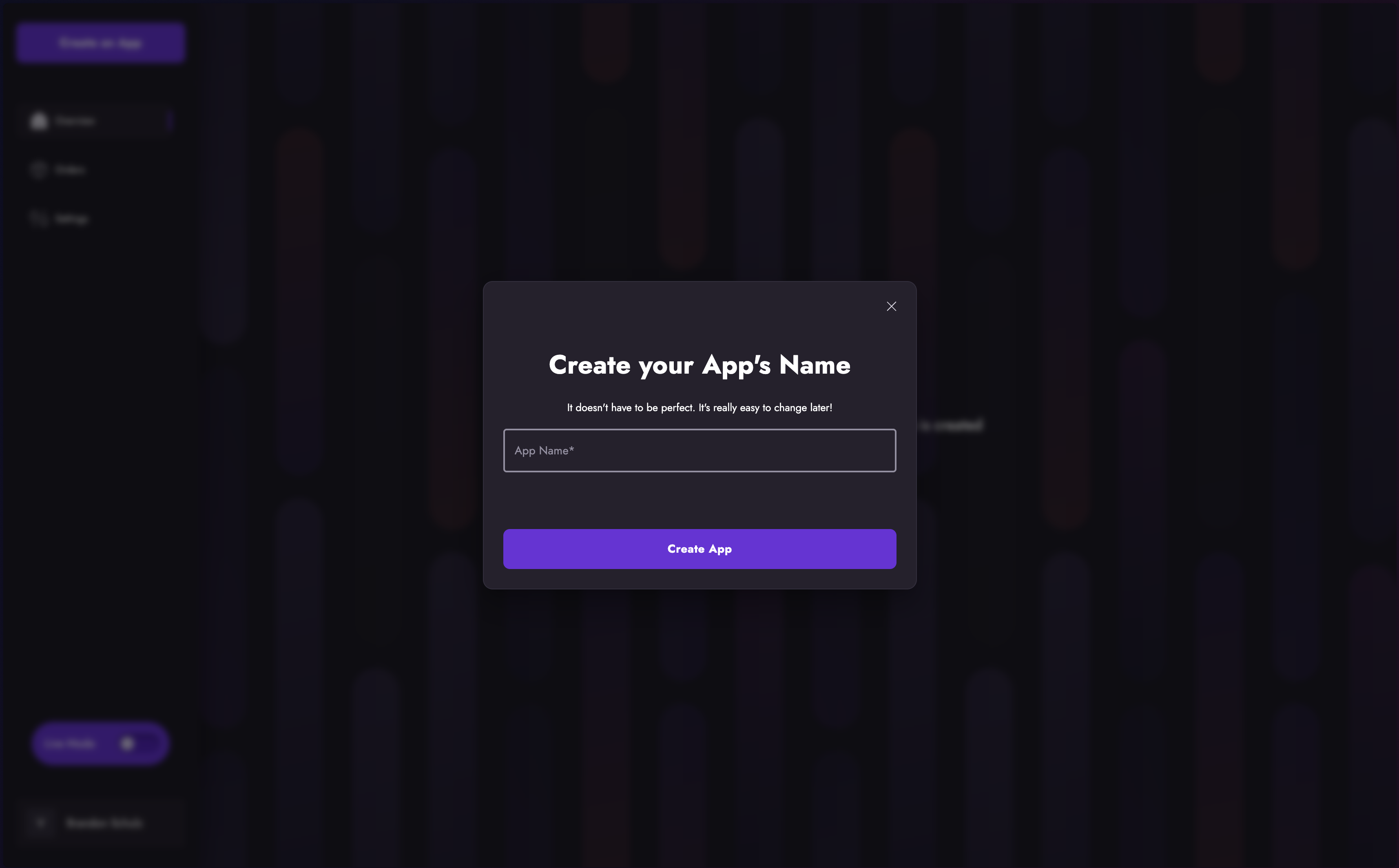
2. Click 'Create App'
3. Name your application (don't worry, you can change this later as many times as you'd like).
4. Save your App ID and App Secret, your will need them for API authentication.
5. That's it!
Your application has been created. You're now ready to work through the guides in our Channel Docs and our API Reference.
## Managing your App
Apps can be managed from the Channel Dashboard availble at [channel.violet.io](https://channel.violet.io).
### Renaming Your App
You are free to rename your app(s) as often as you like. From the App list in your Violet dashboard click on the app you would like to rename. From the app details screen click on the small toggle in the upper left corner of the app card to open your app controls. Clicking the 'Edit Name' button will render the name update field. Enter the desired name and click the arrow to persist the change.
{% hint style="warning" %}
Changes to your app name will propagate immediately. If the updated name is not recognizable to the merchants who have enabled your app it is possible that they may uninstall it. Be sure to notify any merchants of any upcoming name changes to prevent this.
{% endhint %}
### Rotating Your App Keys
In the event that your app keys have been compromised in any way it is recommended that you rotate your app keys. This action will generate a new App Secret and immedietly disable your previous App Secret.
**Key rotation can be initiated using the following endpoint:**
```
POST /apps/{app_id}/rotate_keys
```
Sample Request
```bash
curl -X POST https://sandbox-api.violet.io/v1/apps/{app_id}/rotate_keys \
-H "X-Violet-App-Id: your-app-id-here" \
-H "X-Violet-App-Secret: your-current-app-secret-here" \
-H "Content-type: application/json"
```
Sample Response
```json
{
"id": 9999,
"developer_id": 9999,
"app_secret": "new-app-secret-here",
"app_public": "new-app-public-here",
"name": "Your App Name",
"api_version": "v1",
"status": "ACTIVE",
"type": "APP",
"date_created": "2020-07-16T21:25:26+0000",
"date_last_modified": "2023-07-24T18:05:13+0000"
}
```
{% hint style="info" %}
You must perform this action for each environment where you want your keys rotated. Rotating them in Sandbox or Production will not automatically rotate them in the other environment.
{% endhint %}
### Deleting Your App
From the App list in your Violet dashboard click on the app you would like to delete. From the app details screen click on the small toggle in the upper left corner of the app card to open your app controls. Clicking the 'Delete' button will ask you to confirm that you wish to delete your app. Clicking 'Yes' will permanently delete your app. Clicking 'No' will close the controls and return you to the app details screen.
{% hint style="warning" %}
App deletions are permanent. Once your app is deleted your API keys will immediately stop working. You will loose access to all data related to the app including access to historical order data. Be sure you truly want to delete your app before deleting.
{% endhint %}
---
# Agent Instructions
This documentation is published with GitBook. GitBook is the documentation platform designed so that both humans and AI agents can read, navigate, and reason over technical content effectively. Learn more at gitbook.com.
## Querying This Documentation
If you need additional information that is not directly available in this page, you can query the documentation by asking a question.
Perform an HTTP GET request on the following URL with the `ask` and `goal` query parameters:
```
GET https://docs.violet.io/concepts/apps.md?ask=&goal=
```
`ask` is the immediate question: it should be specific, self-contained, and written in natural language.
`goal` is what the user is ultimately trying to achieve, the reason they need the answer. Sharing it helps GitBook give you a better, more relevant answer. A goal is most helpful when it describes the outcome the user wants rather than restating the question. For example, with `ask=how do I create an API token`, a goal like `automate deployments from our CI pipeline` lets GitBook tailor the answer to that use case.
The response will contain a direct answer to the question and relevant excerpts and sources from the documentation.
Use this mechanism when the answer is not explicitly present in the current page, you need clarification or additional context, or you want to retrieve related documentation sections.